How to Create Custom Zwift Workouts With AI
A practical walkthrough from training goal and fatigue constraints to a validated .zwo file imported into Zwift, including exact macOS, Windows and iOS folder paths and what is manual versus automatic.
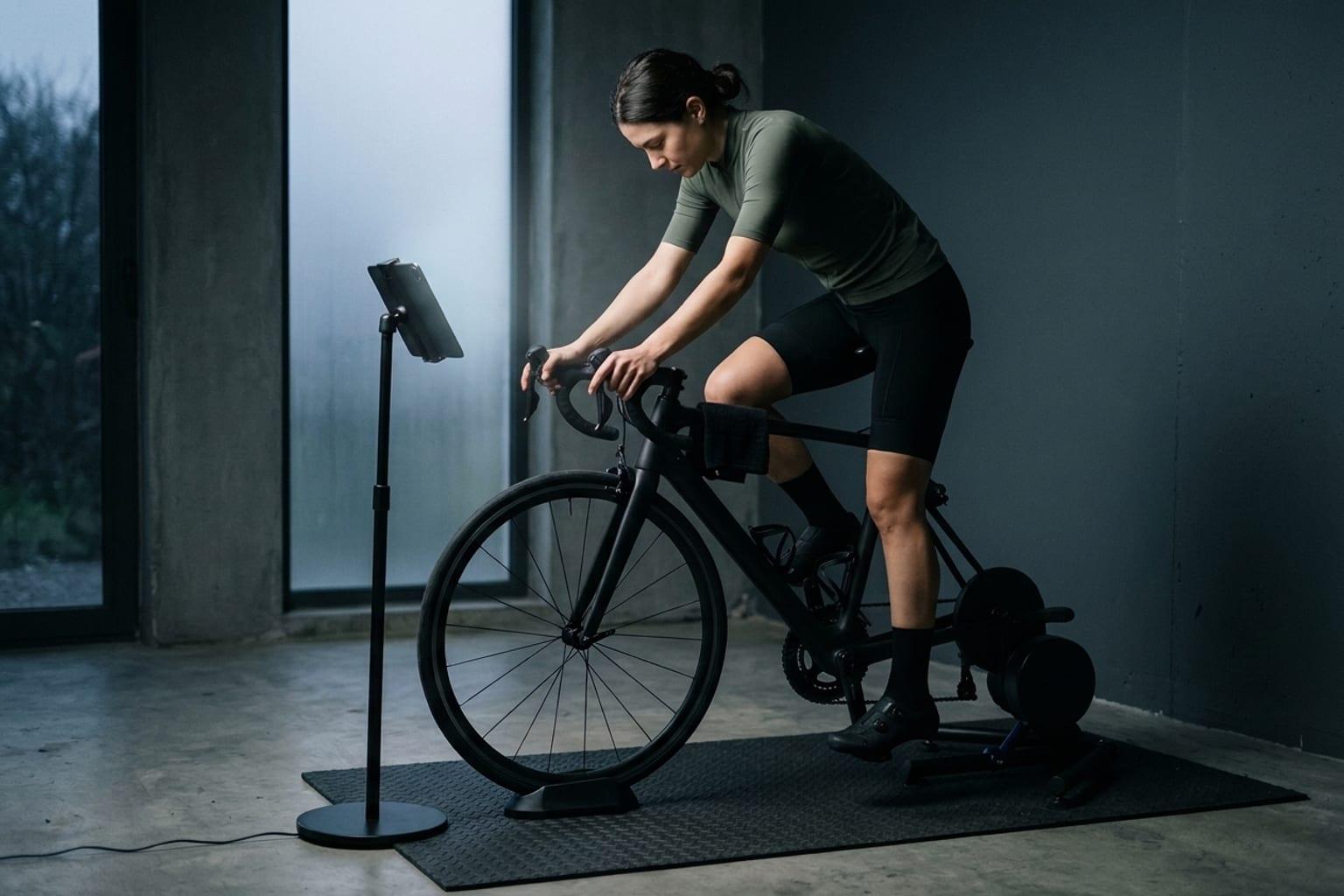
Creating a custom Zwift workout with AI takes less than five minutes once you separate session design from file import. Give the AI four concrete inputs — one physiological target, your current FTP, your exact available minutes and your recent fatigue — check that the interval maths actually adds up, and drop the exported .zwo file into your numeric Zwift user folder before launching Zwift.
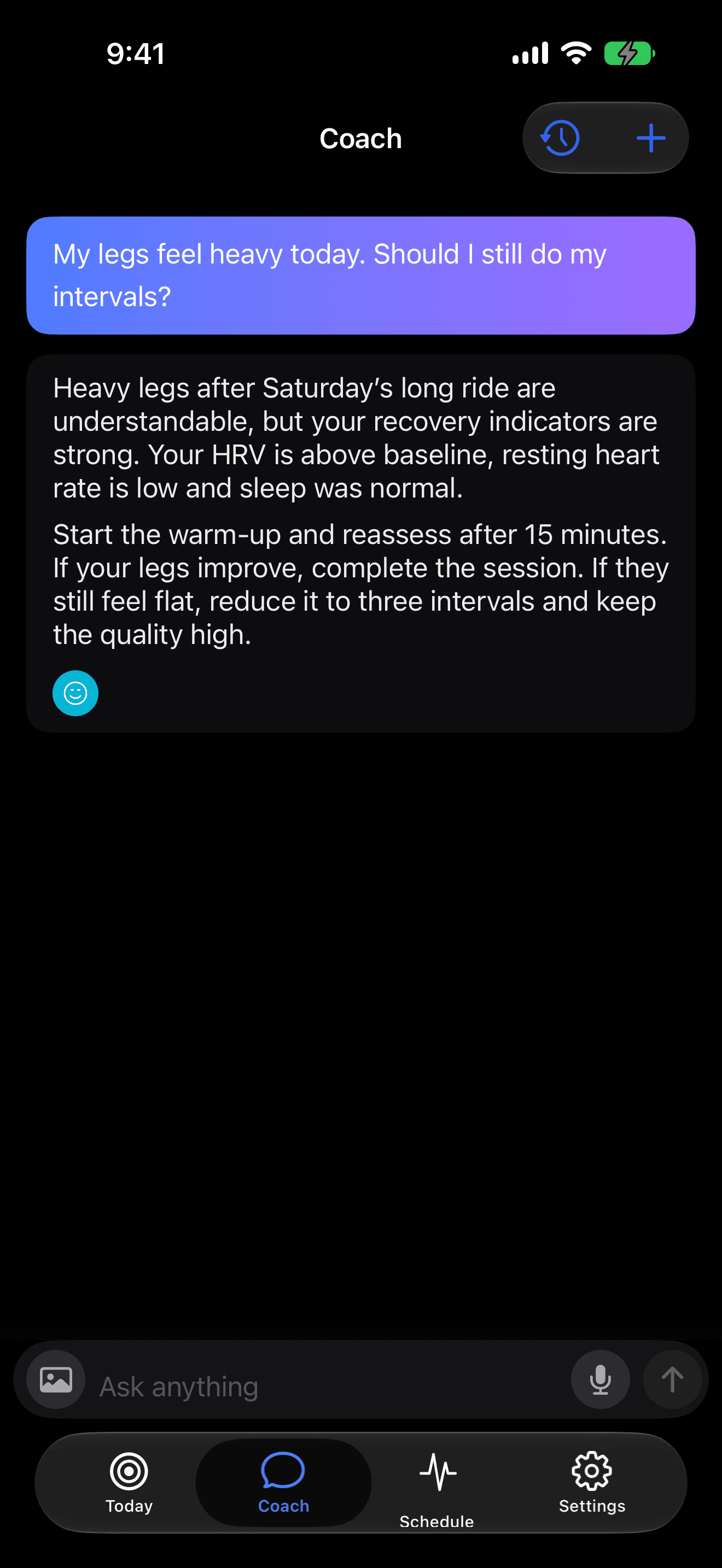
In Primed, structured cycling workouts can be built or adapted in Coach chat around your connected training load and recovery, then downloaded directly from the Workout Detail screen as a standard .zwo file for Zwift (or published to your Intervals.icu calendar via opt-in Outgoing Workout Sync). Primed does not push workouts automatically into Zwift's home screen without that .zwo download step — knowing that upfront keeps your indoor setup predictable.
Key takeaways
- Start with one session purpose, current FTP, time cap and fatigue.
- Verify wattage fractions and exact seconds before trusting any .zwo file.
- Desktop Zwift scans your numeric <ZwiftID> Workouts folder on launch.
- Primed exports standard .zwo files rather than direct Zwift auto-push.
- Relaunch Zwift and check for hidden .zwo.txt extensions if files vanish.
Step 1: Set clear physiological and time constraints
Open-ended prompts like "make me a tough 60-minute Zwift session" tend to produce cluttered "kitchen-sink" workouts full of arbitrary cadence changes, tiny recovery valleys and unrealistic supra-threshold blocks. Anchor every custom workout with four boundaries:
- One primary stimulus: Choose aerobic endurance (Zone 2, ~58–72% FTP), sweet spot (88–92% FTP), threshold (95–100% FTP) or VO₂ max (105–118% FTP). Mixing all four in 60 minutes usually leaves none of them well trained.
- Matched FTP setting: Zwift
.zwofiles store intensity as decimal fractions of FTP (0.90= 90% FTP). Make sure the FTP inside Zwift matches the FTP your workout was built against. - Hard total-duration cap: Reserve 10–12 minutes for a progressive warm-up and 5–8 minutes for a cool-down inside your total available window.
- Fatigue and weekend context: Mention yesterday's load, last night's sleep and your next key ride so work-to-rest ratios match what you can absorb today.
Step 2: Prompt for structure and sanity-check the numbers
Here is an illustrative coaching prompt for a rider with 60 minutes before work, a 250 W FTP, mild Tuesday fatigue and a three-hour group ride coming up on Saturday:
Design a 60-minute indoor cycling workout for Zwift targeting controlled sweet-spot endurance
without compromising Saturday's 3-hour hilly ride.
Constraints:
- Current FTP: 250 W
- Strict total duration: 3,600 seconds (60 minutes) including warm-up and cool-down
- Recovery state: Mild leg heaviness from Tuesday; 7.2 hours sleep
- Main set target: 3 x 12 min at 89-90% FTP with 3 min easy recovery at 55% FTP
- Include a 12-minute warm-up block with two 30-second openers and a 6-minute cool-down.
Four checks to run before exporting or riding
| Check | Sensible 60-minute structure | Red flag to correct |
|---|---|---|
| Warm-up progression | 8–12 min ramp from ~50% to ~72% FTP plus brief openers | Jumping straight into 95%+ FTP after 3 minutes |
| Interval density | Sweet spot 3 × 12 min (3 min rest); VO₂ max 4–5 × 4 min (3–4 min rest) | 2 × 20 min at 105% FTP or 30-second rests after 5-minute VO₂ max reps |
| ERG-mode stability | Smooth transitions; cadence cues left optional unless deliberate | Sudden 10-second jumps to 150% FTP that trigger an ERG "spiral of death" |
| Exact duration sum | Block seconds add up cleanly to 3,600 seconds (60 min) | Unnoticed extra recovery blocks pushing a "60-minute" session to 68 minutes |
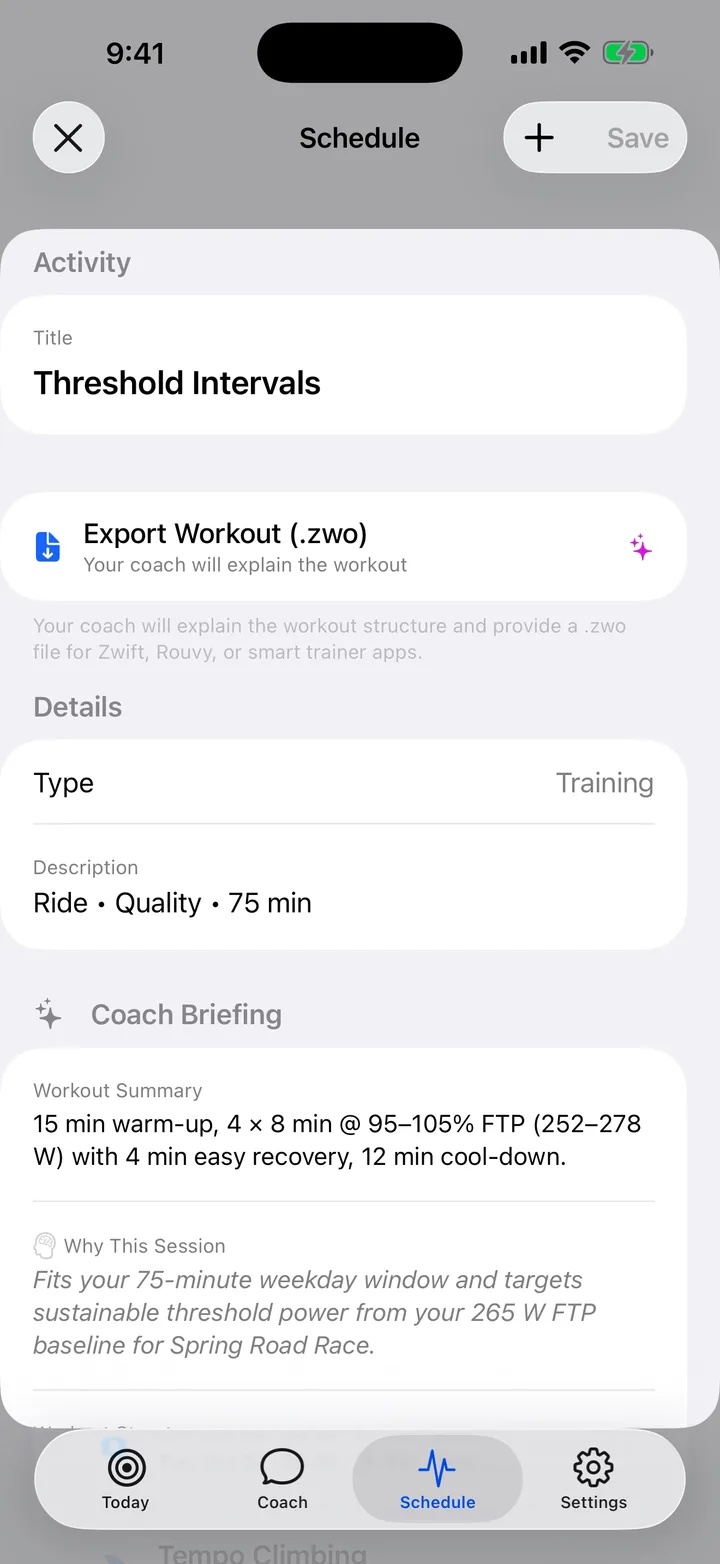
Illustrative Primed Workout Detail screen showing the session summary, Why This Session rationale and the Export Workout (.zwo) action.
Step 3: Export and validate the .zwo XML structure
A .zwo file is plain XML. Whether you download a .zwo directly from Primed's Workout Detail screen or generate one from a prompt, opening it in any text editor lets you verify two rules in ten seconds:
- Every
Durationis expressed in seconds — here480 + 180 + 60 + 720 + 180 + 720 + 180 + 720 + 360 = 3,600seconds (60 minutes exact). - Every
Power,PowerLowandPowerHighattribute is a decimal fraction of FTP (0.90= 90% FTP — never90, which Zwift interprets as 9,000% FTP).
<workout_file>
  <author>Primed</author>
  <name>3x12 Sweet Spot Controlled (60m)</name>
  <description>12 min warm-up with openers, 3x12 min at 89-90% FTP (3 min recovery), 6 min cool-down.</description>
  <sportType>bike</sportType>
  <workout>
    <Warmup Duration="480" PowerLow="0.50" PowerHigh="0.72" />
    <IntervalsT Repeat="2" OnDuration="30" OffDuration="60" OnPower="0.95" OffPower="0.55" />
    <SteadyState Duration="60" Power="0.55" />
    <SteadyState Duration="720" Power="0.89" />
    <SteadyState Duration="180" Power="0.55" />
    <SteadyState Duration="720" Power="0.90" />
    <SteadyState Duration="180" Power="0.55" />
    <SteadyState Duration="720" Power="0.90" />
    <Cooldown Duration="360" PowerLow="0.60" PowerHigh="0.45" />
  </workout>
</workout_file>
Step 4: Import into Zwift on macOS, Windows and iOS
Zwift loads local .zwo files differently on desktop computers than on iPhone, iPad or Apple TV (Zwift Custom Workouts guide):
macOS and Windows
- Locate your numeric
<YourZwiftID>folder:- macOS:
Documents/Zwift/Workouts/<YourZwiftID>/ - Windows (classic path):
Documents\Zwift\Workouts\<YourZwiftID>\ - Windows (recent Zwift Launcher installs):
%LocalAppData%\Zwift\Workouts\<YourZwiftID>\(C:\Users\<username>\AppData\Local\Zwift\Workouts\<YourZwiftID>\)
- macOS:
- Drop your
.zwofile inside that numeric<YourZwiftID>folder (optional subfolders such asPrimedshow up as custom categories inside Zwift). - Quit and relaunch Zwift completely if it was already open — Zwift scans local workout folders on startup.
- Open Workouts → Custom in Zwift and inspect the power-profile preview graph to confirm all intervals and wattages look right before starting your ride.
iPhone and iPad (iOS / iPadOS)
Zwift on iOS has no in-app .zwo file picker. Two official methods work reliably:
- Desktop cloud sync (simplest if you have a Mac or PC): Place the
.zwofile into your desktop<YourZwiftID>folder, launch Zwift once on that Mac or PC so it syncs custom workouts to your Zwift cloud profile, then open Zwift on your iPhone or iPad. - Direct USB File Sharing: Connect your iPhone or iPad to a Mac (Finder → select device → Files → Zwift) or Windows PC (Apple Devices / iTunes → File Sharing → Zwift), copy the
Zwiftfolder to your desktop, add your.zwoinsideWorkouts/<YourZwiftID>/, and drag theZwiftfolder back to replace and sync.
Manual .zwo export vs automatic Zwift calendar sync
Know which workflow you are signing up for (checked November 2026):
- Downloadable
.zwofile export (Primed, Vekta, standalone XML builders): You download the.zwofile and drop it into your Zwift folder (or sync via desktop cloud). Takes roughly 30 seconds on desktop; gives you full file-level visibility. - Direct Zwift workout auto-push (TrainerRoad, JOIN, RestOrTrain, TrainingPeaks): Scheduled sessions appear automatically inside Zwift's workout menu without moving files.
If you also use Intervals.icu, Primed supports opt-in Outgoing Workout Sync to your Intervals.icu calendar (Settings → Connections), while keeping .zwo export available on Primed Free ($0).
Troubleshooting common .zwo import snags
- Custom workout doesn't show up: Confirm you placed the file inside the numeric
<YourZwiftID>subfolder (not the outerWorkoutsdirectory), check on Windows whether your install reads from%LocalAppData%\Zwift\Workouts\, and restart Zwift completely. - Saved as
.zwo.txtby mistake: TextEdit and Notepad frequently append a hidden.txtextension. Show full file extensions in Finder or File Explorer and rename strictly to.zwo. - Target watts feel 20 W off in ERG mode: Check the FTP slider on Zwift's workout selection screen — Zwift multiplies the
.zwodecimals by Zwift's stored FTP, not the FTP in your coaching app. - Broken workout graph in Zwift: Open the
.zwoin a text editor and check for unescaped&characters in<name>or<description>(useandor&in XML) or missing closing/>tags.
Explore further
- Primed Journal — browse all cycling, recovery and AI coaching articles.
- Primed for Cycling — see how Primed builds structured plans and exports
.zwoworkouts on Free. - How to Use Intervals.icu With an AI Cycling Coach — pair Intervals.icu analytics with opt-in calendar sync.
- How to Train for Zwift Racing — structure repeatability and surge capacity for indoor racing.