How to use Garmin Connect with an AI cycling coach
Keep recording rides on your Garmin. Here’s how to use the data in an AI coaching conversation, ask a better training question and check where the next workout goes.
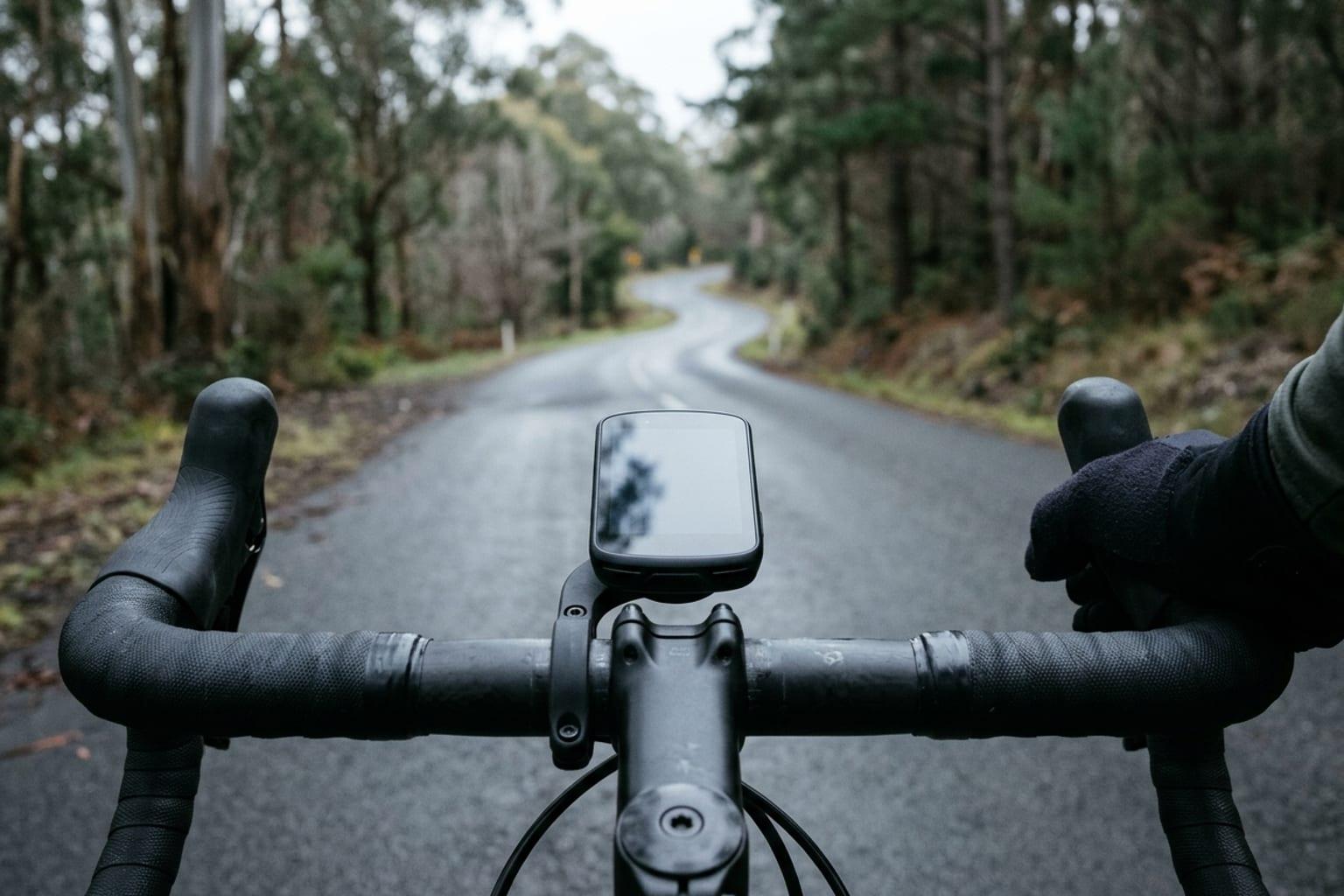
Your Garmin Edge says you completed the ride. The power trace tells a slightly different story: you made it through the first threshold interval, faded in the second and rode home easy. Garmin Connect has the record, but you still have to decide what to do about the next hard session. That’s where an AI cycling coach can be useful, especially if you can ask a follow-up without rebuilding the story from screenshots.
You can keep recording rides on your Garmin and use Coach to interpret the data you choose to share. Here’s how to set that up in Primed, what to ask first and where the connection stops.
Key takeaways
- Confirm the ride has reached Garmin Connect.
- Check what data the coach actually received.
- Use one plan as your source of truth.
Make sure your ride is in Garmin Connect
Save a ride on your Edge or watch, then open Garmin Connect and check that the activity appears. Open the ride and check for the data you expect, such as power, heart rate or cadence. A ride recorded without a power meter won’t gain measured power just because it’s connected to a coach. If you wear a compatible Garmin watch overnight, check that sleep or HRV is present in Garmin Connect before expecting the coach to use it. The watch doesn’t need to be paired with your Edge to contribute overnight data.
Garmin supports Bluetooth through the Garmin Connect app, Wi-Fi on compatible devices and Garmin Express over USB. If the ride hasn’t reached Connect, start with Garmin’s device sync guide.
Connect Garmin and check one ride
In Primed, open Settings → Connections, choose Garmin Connect and review the permissions Garmin asks you to grant (connecting Garmin requires a free Primed account). Once the connection is ready, pick one recent ride you know well. Check the account, date, sport and duration. Then ask Coach to identify the ride and tell you whether it has power and heart-rate data to work with. What arrives depends on what you recorded and authorised. See what Primed reads from Garmin.
If the coach can’t find the ride, check that you connected the right Garmin account and give the sync time to finish. If you record or share the same ride across several services, ask which activity the coach is using before drawing conclusions about total load. Don’t assume two matching activities are two rides.
Ask one question that changes a decision
Start with a choice you were already going to make. For example (illustrative prompt):
Find my Thursday threshold ride. I eased off in the second interval because my legs felt heavy. Tell me what the ride data shows, what you’re inferring, and whether you’d keep, shorten or move Saturday’s hard session. I only have 60 minutes on Saturday. What would change your recommendation?
A power drop alone won’t tell the coach whether you ran out of road, hit a sensor problem or couldn’t hold the effort. A useful answer should name the activity, explain how your account changes its interpretation and say what would change the recommendation. If the power data is missing or the ride doesn’t match, ask it to say so.
What changed in AI by November 2026?
Garmin Connect+ offers Active Intelligence, which surfaces AI-powered insights within Garmin Connect. Garmin’s cycling plans are also worth considering if you want a Garmin-native workflow. A newer capability in conversational coaching is tool access: with permission, an assistant can look up a specific ride and use it to answer a follow-up instead of asking you to copy charts into a chat. You can do that in Primed Coach without setting up another assistant. Primed’s MCP connection is a separate, read-only option for compatible external assistants.
The useful test is whether the coach finds the right ride, separates facts from interpretation and explains the next session in terms you can check. The name of the model tells you less than the quality of that answer.
Where does the next workout go?
The Garmin connection brings completed data into Primed. It doesn’t merge your plan with Garmin Coach or automatically put a Primed workout on your Edge. Pick one plan to follow so two systems aren’t both telling you what to do tomorrow. For Zwift, Primed can export a structured workout as a .zwo file. For Intervals.icu, you can opt in to planned-workout sync.
You can start with a question in Primed Coach, then connect Garmin when you’re ready to ask about your own ride.